
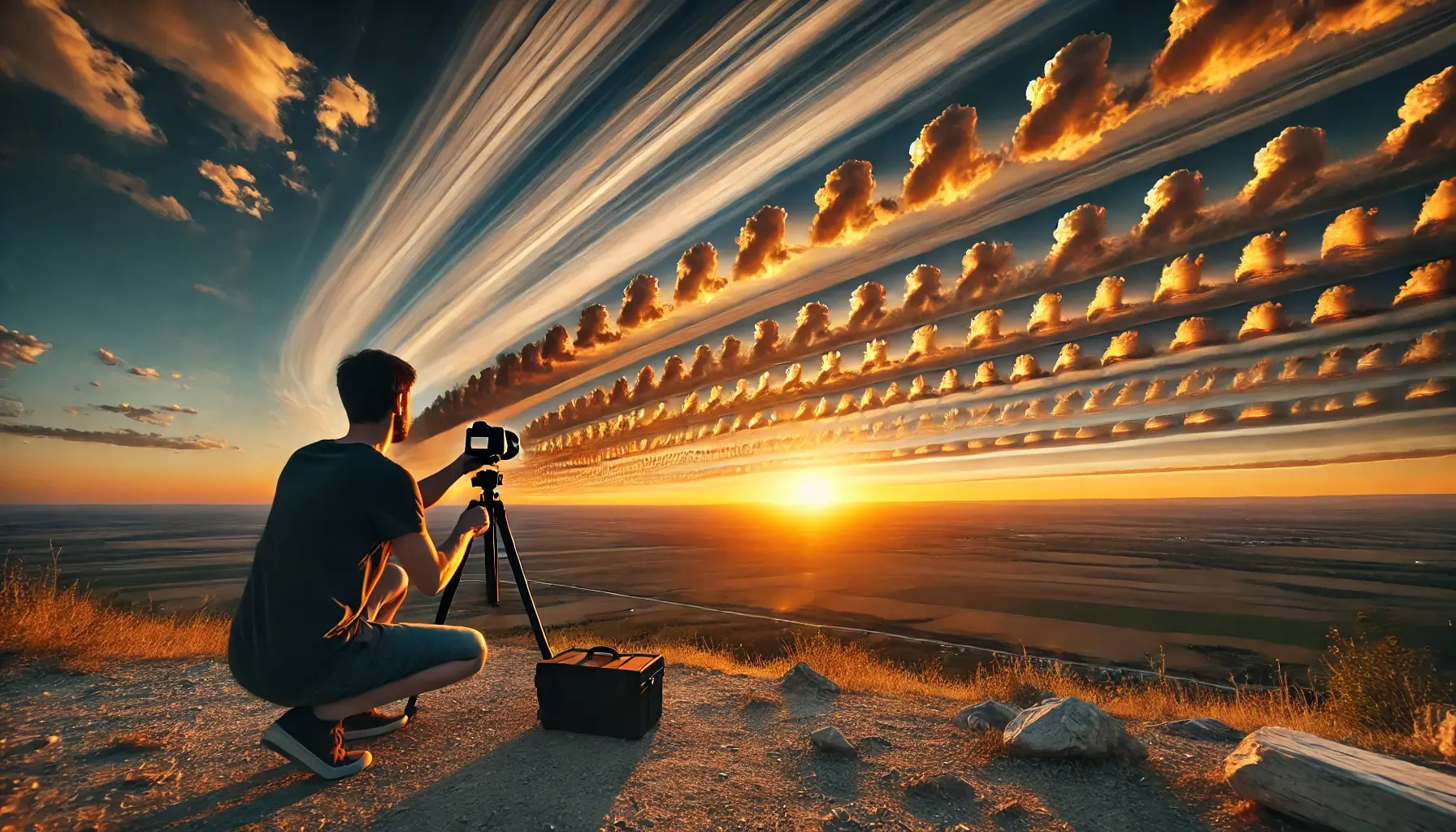
Time-lapse photography is a unique and creative way to capture the passage of time. By taking a series of photos at regular intervals and then playing them back at a fast speed, time-lapse photography compresses hours, days, or even weeks into just a few seconds or minutes. This technique is often used to capture slow-moving events, such as the changing sky, the blooming of flowers, or the movement of traffic.
In this article, we’ll explore the essential tips and techniques for shooting amazing time-lapse photography, including camera settings, equipment, and post-processing.
What is Time-Lapse Photography?
Time-lapse photography is a technique where a series of photos are captured at set intervals over a period of time, and then played back at a faster frame rate. The result is a video that shows the changes or movement that would normally be too slow to notice. For example, a time-lapse of a sunset may show the entire event from start to finish in just a few seconds.
Time-lapse photography is used to capture natural events (like clouds moving across the sky or flowers blooming) or urban scenes (like the movement of cars or people in a busy city). It allows you to condense time and showcase a transformation in a visually compelling way.
Essential Equipment for Time-Lapse Photography
To get the best results with time-lapse photography, you’ll need some specialized equipment. While time-lapse photography can be done with any camera, using the right gear will give you more control and improve the quality of your shots.
1. Camera with Manual Controls
A camera with full manual settings is essential for time-lapse photography. You’ll need to control the exposure, aperture, and shutter speed over the duration of the time-lapse. DSLRs and mirrorless cameras are ideal for time-lapse because they allow you to shoot in manual mode, ensuring consistent exposure across all frames.
- Tip: Many cameras also allow you to shoot in RAW format, which gives you more flexibility during post-processing.
2. Intervalometer or Built-in Time-Lapse Mode
An intervalometer is a device that allows you to program your camera to take photos at regular intervals. If your camera doesn’t have a built-in intervalometer, you can use a separate device or an app to set up your time-lapse shooting schedule.
- Tip: Some modern cameras come with a built-in time-lapse mode, which allows you to set the interval and exposure time directly in the camera.
3. Tripod
A sturdy tripod is crucial for time-lapse photography to ensure your camera remains stable over the duration of the shoot. Any camera movement between shots can ruin the continuity of the time-lapse, causing the final video to appear shaky or jumpy.
- Tip: Use a tripod with adjustable legs to help you level the camera if you’re shooting on uneven ground.
4. Remote Shutter Release
Using a remote shutter release or intervalometer will minimize any camera shake when taking the photos. It’s essential for ensuring that your time-lapse sequence is as smooth as possible.
- Tip: Use a wireless remote or your camera’s built-in timer function to avoid touching the camera during the shoot.
5. External Power Supply
Time-lapse photography often requires long shooting times, which can drain your camera’s battery quickly. Using an external power supply or AC adapter is a great way to keep your camera running for the duration of your time-lapse.
- Tip: For longer shoots, consider bringing extra batteries or a portable power bank.
Camera Settings for Time-Lapse Photography
To ensure that your time-lapse sequence is smooth and consistent, it’s important to get your camera settings right. Here are the essential settings to adjust:
1. Shutter Speed
Shutter speed plays a significant role in time-lapse photography. A faster shutter speed (e.g., 1/500 or 1/1000 second) is ideal for freezing fast-moving subjects like traffic or clouds, while a slower shutter speed (e.g., 1/60 or 1/125 second) can help capture more motion and smooth out movements.
- Tip: Use a shutter speed that balances motion blur and sharpness. For nature shots like clouds or flowers blooming, a slower shutter speed will provide a smoother transition between frames.
2. Aperture
The aperture controls the depth of field in your time-lapse images. For time-lapses that include foreground and background elements, use a smaller aperture (e.g., f/8 or f/11) to ensure everything is in focus. This is especially important for landscape or architecture shots.
- Tip: A smaller aperture also helps reduce lens distortion and keep the entire scene sharp.
3. ISO
Keep the ISO as low as possible (e.g., ISO 100 or 200) to minimize noise and maintain image quality. Since time-lapses typically involve long exposure times, higher ISO values can result in excessive grain in the final video.
- Tip: If you’re shooting in low light, increase the ISO, but be mindful of the noise introduced in the images.
4. Manual Focus
Autofocus can be unreliable when shooting time-lapse photography because it may search for focus between frames, causing inconsistencies. Instead, use manual focus to ensure that the focus remains consistent throughout the shoot.
- Tip: Focus on a subject or point in the scene before starting the time-lapse, and keep the focus locked for the duration of the shoot.
5. White Balance
Set your white balance manually to ensure that the color temperature stays consistent throughout the time-lapse sequence. If the white balance changes between shots, it will create noticeable shifts in color in the final video.
- Tip: Use the “daylight” setting for outdoor shots or adjust the white balance to match the lighting conditions of your scene.
Composition Tips for Time-Lapse Photography
Composition is key to creating engaging time-lapse sequences. Here are some tips for composing your time-lapse shots:
1. Choose a Compelling Subject
Time-lapse photography is most effective when you’re capturing a subject that changes over time, such as a sunset, the movement of clouds, or a bustling city street. Choose a subject with clear movement or transformation, so the passage of time is visually interesting.
- Tip: Consider capturing the movement of people, cars, or nature (like flowers blooming or trees swaying in the wind).
2. Use Leading Lines
Leading lines are a great compositional tool to guide the viewer’s eye through the scene. Use roads, paths, rivers, or other natural elements to direct attention toward the main subject.
- Tip: For urban scenes, use the lines of streets, buildings, or power lines to create a dynamic composition.
3. Frame the Subject with the Environment
Capture not just the subject but also the surrounding environment. Whether it’s a changing skyline, a field of flowers, or a bustling city, the context can add depth and interest to your time-lapse sequence.
4. Keep the Camera Still
A steady camera is crucial for time-lapse photography. Any small shake or movement between shots can create a jumpy or shaky final video. Use a tripod to keep the camera steady and avoid any accidental movement.
Post-Processing Time-Lapse Photography
After capturing your time-lapse sequence, you’ll need to stitch the images together in post-processing to create the final video. Here are some tips for editing your time-lapse photos:
1. Speed Up the Sequence
In post-processing software like Adobe Premiere Pro or Final Cut Pro, you can adjust the playback speed of your time-lapse sequence. Typically, time-lapses are played back at 24 or 30 frames per second, so you’ll need to set the interval between each photo appropriately to achieve the desired speed.
2. Smooth Transitions
If you have noticeable jumps between frames or inconsistent lighting, you can use software to smooth the transitions. Tools like Adobe Lightroom can help you batch process images for consistent exposure, and video editing software can help create a seamless flow.
3. Adjust Exposure and Colors
Adjust the exposure and colors in your time-lapse images to ensure consistency across the sequence. You can also enhance the contrast and saturation to make the time-lapse more visually striking.
4. Stabilization (Optional)
If your time-lapse footage appears shaky, consider using stabilization tools in post-production. Software like Adobe Premiere Pro offers stabilization tools that can smooth out the motion in your video.
Conclusion
Time-lapse photography is a unique way to capture the passage of time and create stunning visual effects. By understanding the challenges of shooting time-lapse, using the right equipment, and mastering your camera settings, you can create amazing time-lapse sequences that showcase the transformation of a scene or subject over time. With practice and patience, you’ll be able to create time-lapse videos that are both beautiful and captivating.